






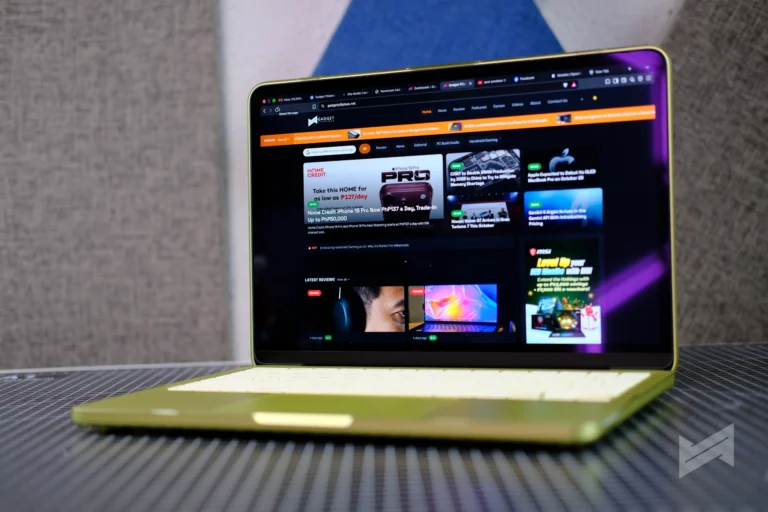
These days, my view of laptops has not changed much as far as use cases go. What has changed is how many of them I actually keep within arm’s reach at home.
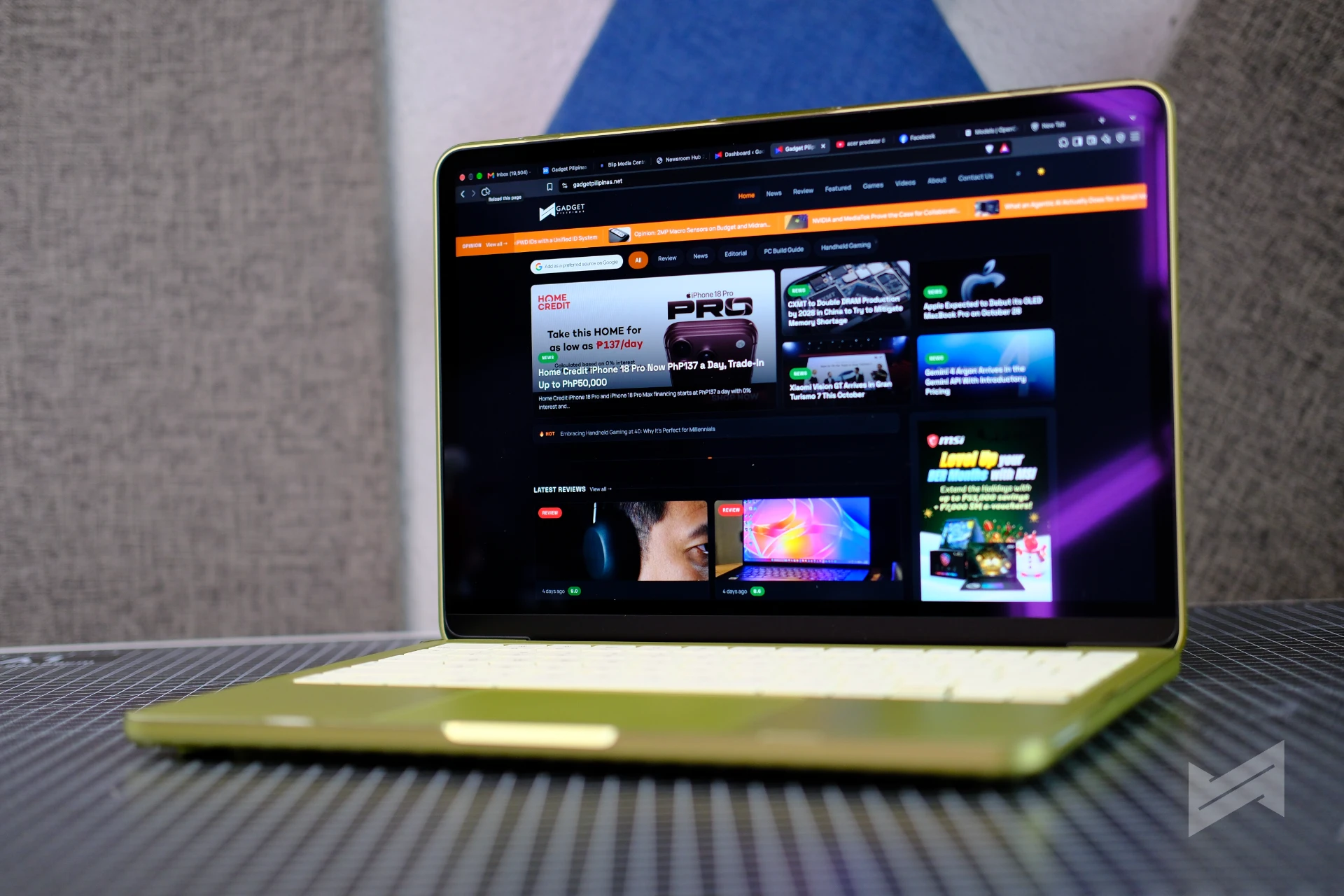
There is a MacBook Pro M5 for the work that genuinely needs it, and an iPad Pro for the moments when a tablet is simply the better tool. Between them sat a gap I had not thought much about until the MacBook Neo arrived: the machine you reach for when you are not really working, but you still want a keyboard.
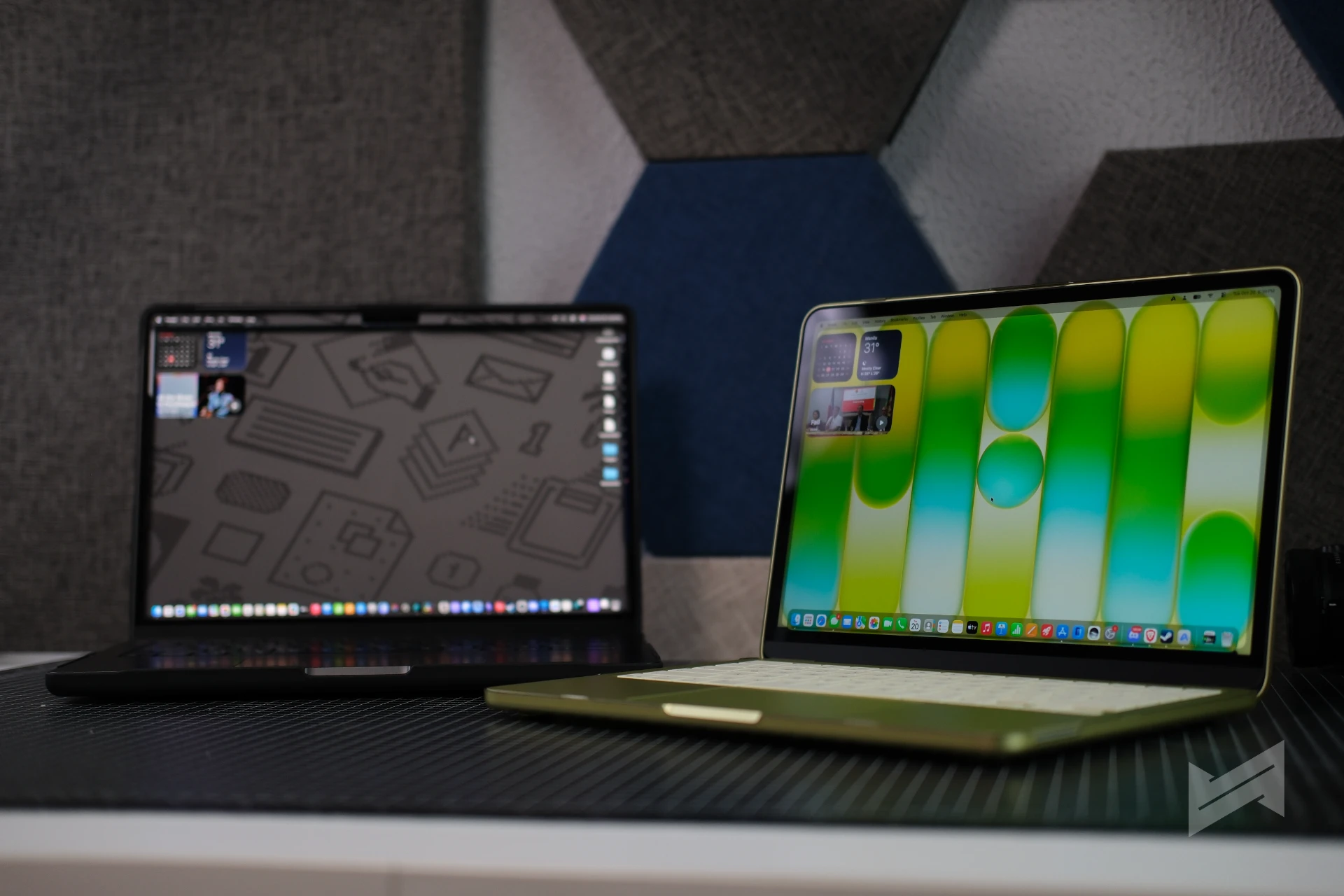
We have had the 512GB MacBook Neo in Citrus for months now. It came in as a review unit, and it has quietly become the one we reach for on long-term, non-sponsored work like this piece.
Do note that this is not a benchmark review. This is an experiential narration of the MacBook Neo after living with it, written from the position of someone who already owns the two devices it sits between.
Display
13.0-inch Liquid Retina, 2408 x 1506 at 219 ppi, 500 nits, support for 1 billion colors, sRGB
Chip
Apple A18 Pro, 6-core CPU (2 performance, 4 efficiency), 5-core GPU, 16-core Neural Engine, 60GB/s memory bandwidth
Memory and Storage
8GB unified memory, 256GB or 512GB SSD
Battery
36.5Wh, up to 16 hours video streaming, up to 11 hours wireless web, 20W USB-C adapter
Ports
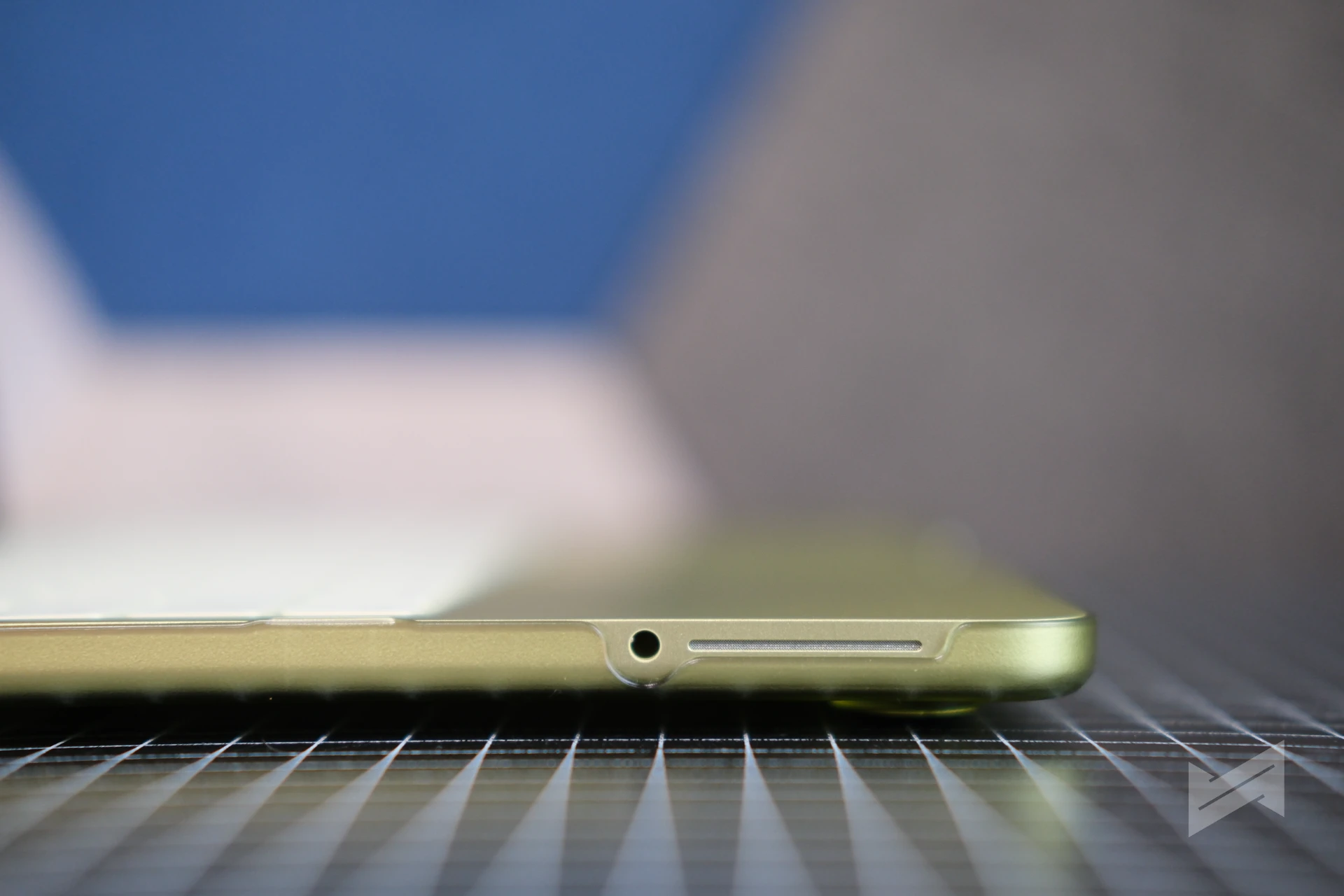
1x USB 3 USB-C (10Gb/s, DisplayPort), 1x USB 2 USB-C (480Mb/s), 3.5mm headphone jack
Wireless
Wi-Fi 6E, Bluetooth 6
Camera and Audio
1080p FaceTime HD camera, dual speakers with Spatial Audio and Dolby Atmos, dual-mic array with beamforming
Keyboard
Magic Keyboard, 78/79 keys including 12 full-height function keys; Touch ID on the higher configuration
Size and Weight
1.27cm x 29.75cm x 20.64cm, 1.23kg
Colors
Silver, Blush, Citrus, Indigo
Price
PhP49,990 (256GB) and PhP56,990 (512GB)
The Most Colorful Mac, and the One That Fits Between Two Others
The positioning here is worth stating plainly, because it is the question everyone asks first. The MacBook Neo sits between the iPad Pro and the MacBook Pro, and below the MacBook Air. That sounds like a crowded place to stand, but in practice the three devices do not compete for the same moment.
The MacBook Pro M5 is for people who need to edit video and run local AI. The iPad Pro is the tablet for artists and creators. The MacBook Neo is neither. It is a laptop you keep by the bedside, and that is a category people underestimate until they own one.
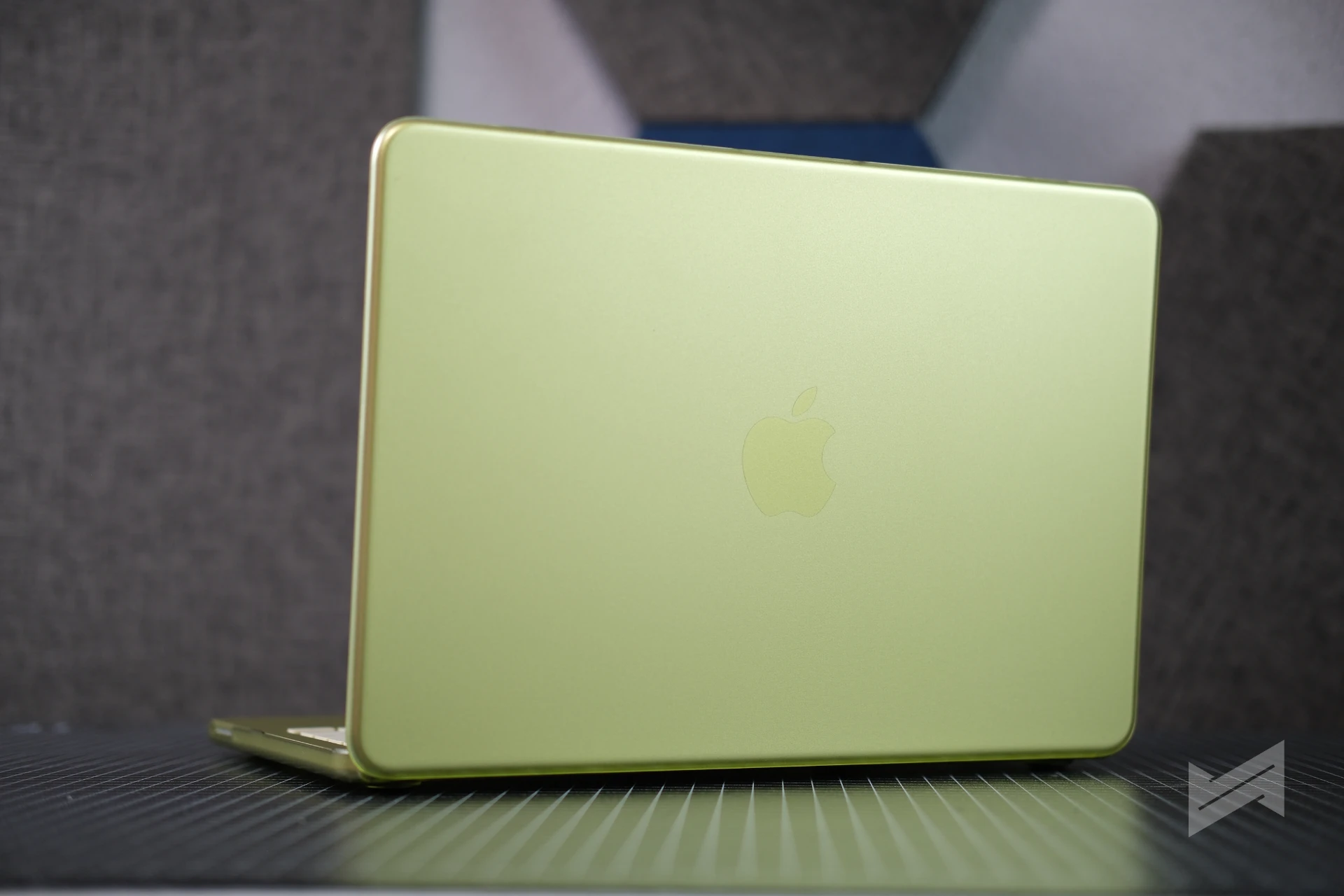
In Citrus, it is also the most colorful Mac I have used in years. Apple’s four finishes (Silver, Blush, Citrus and Indigo) run through the chassis rather than sitting on it, and the tone-on-tone Apple logo keeps the whole thing looking considered rather than loud. It is a laptop I am happy to leave sitting open on a side table.
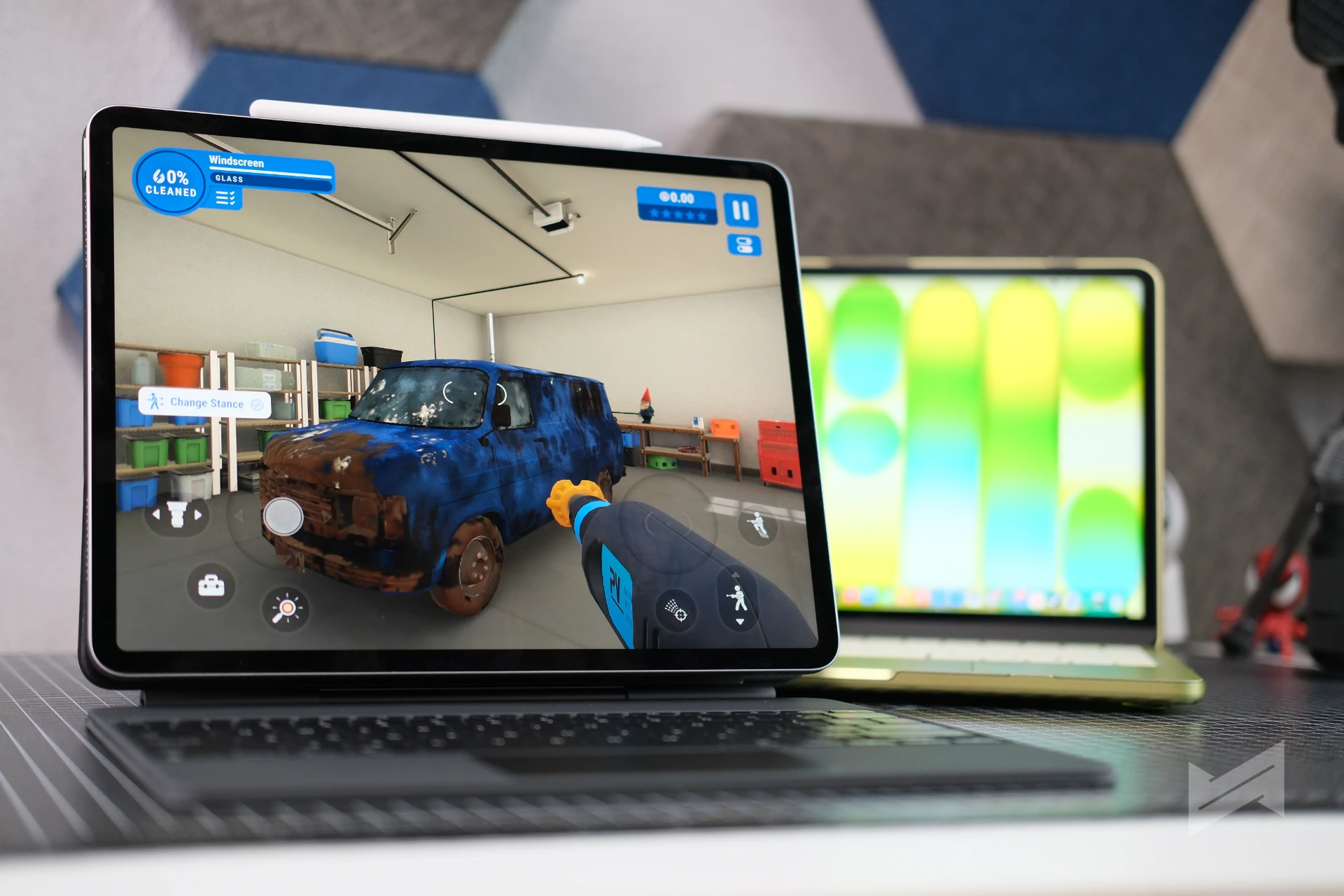
A Bedside Companion, and Now a Movie Buddy
Mostly it is a bedside machine. It is what I open for a quick task before bed or first thing in the morning, and it is the device that does not need to be negotiated with.
What I did not expect is that it would become my usual movie buddy. The 13-inch Liquid Retina display at 500 nits is bright enough for a dark room, the dual speakers with Spatial Audio and Dolby Atmos carry a soundtrack better than a laptop this thin has any right to, and the whole thing sits on a lap without getting warm because there is no fan inside it. For watching something before sleeping, it has quietly replaced the iPad Pro for me, simply because I can prop it and forget about it.
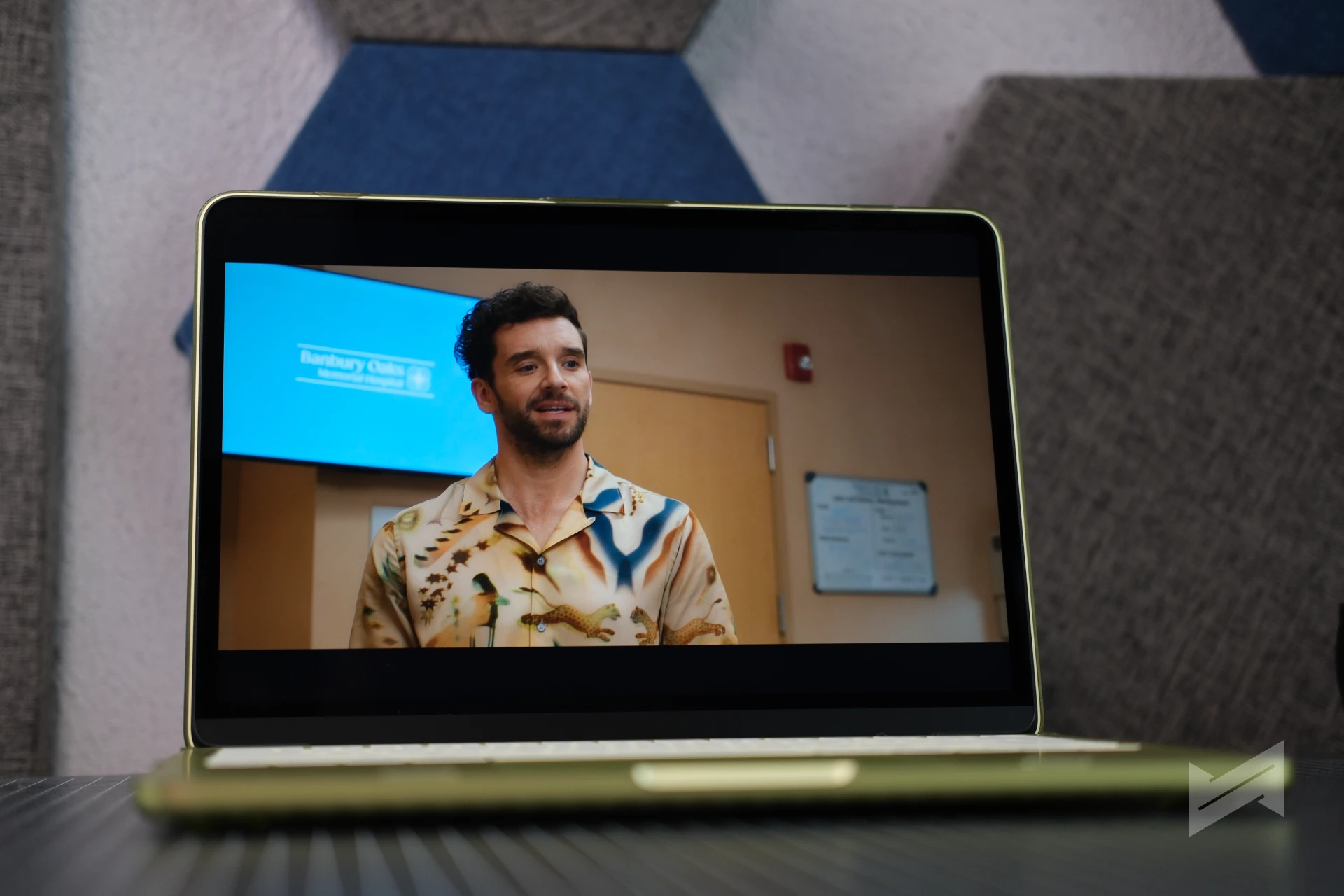
Enough Laptop for the Work I Actually Do
My daily work on it is not demanding, and I will be honest about that. A lot of it happens in a browser, including controlling a Hermes VPS desktop, which asks memory only from a browser tab and costs the Neo almost nothing. It also leaves the MacBook Pro M5 free for the work that genuinely needs it.
Beyond that it is web surfing and the usual admin tasks. The A18 Pro is the specification people raise an eyebrow at, and it stops being interesting after a week. Six CPU cores, a five-core GPU and a 16-core Neural Engine do not sound like laptop specifications, and in daily use the gap only shows if you go looking for it.
Light Gaming on an iPhone Chip
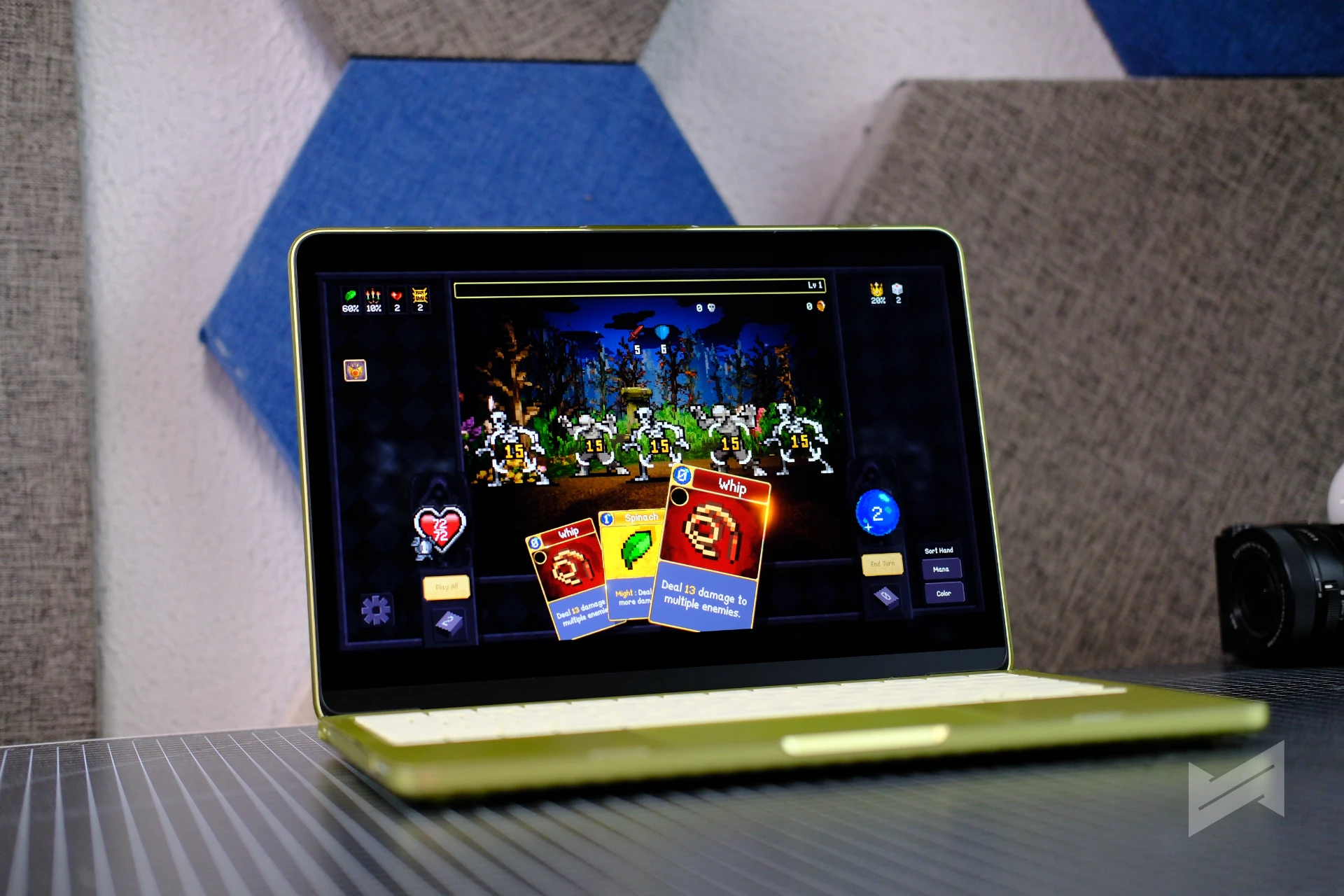
The gaming question is where the A18 Pro gets genuinely interesting, because the answer depends entirely on what you play. I have been running my Steam library on it, and the titles that stuck are all in the same family: Terra Nil, Ball x Pit, Stardew Valley, Balatro and Vampire Crawlers.
That is not an accident. Every one of those is a lightweight, thoughtfully built game rather than a triple-A showcase, and they are exactly the kind of titles the MacBook Neo was built to run. Terra Nil is a quiet restoration puzzle. Ball x Pit and Vampire Crawlers are roguelikes that reward a long session. Stardew Valley and Balatro are the two I keep coming back to, and Balatro in particular is the sort of game that eats an evening before you notice.
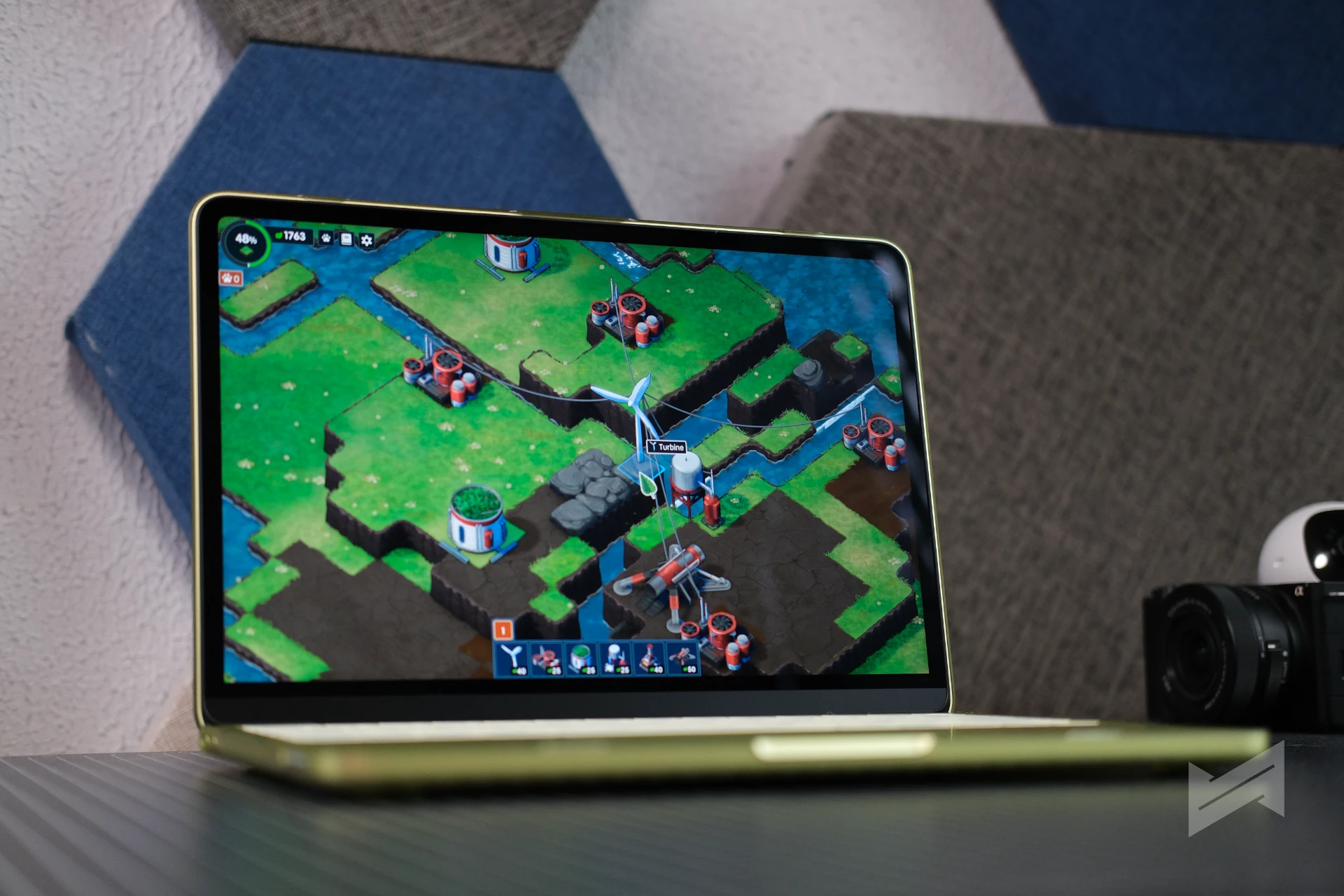
They all run natively and they all run well. What I would not do is buy this laptop expecting to play the biggest releases of the year on it. That is not the machine’s job, and knowing the difference is most of the skill of owning it.
Battery Life That Outlasts the Spec Sheet
This is where the MacBook Neo genuinely surprised me, and the numbers are worth stating precisely. Apple rates it at up to 16 hours of video streaming and up to 11 hours of wireless web. In my own use, doing web surfing and ordinary admin tasks, I have gone past 12 hours on a single charge. That beats the wireless web figure Apple publishes.
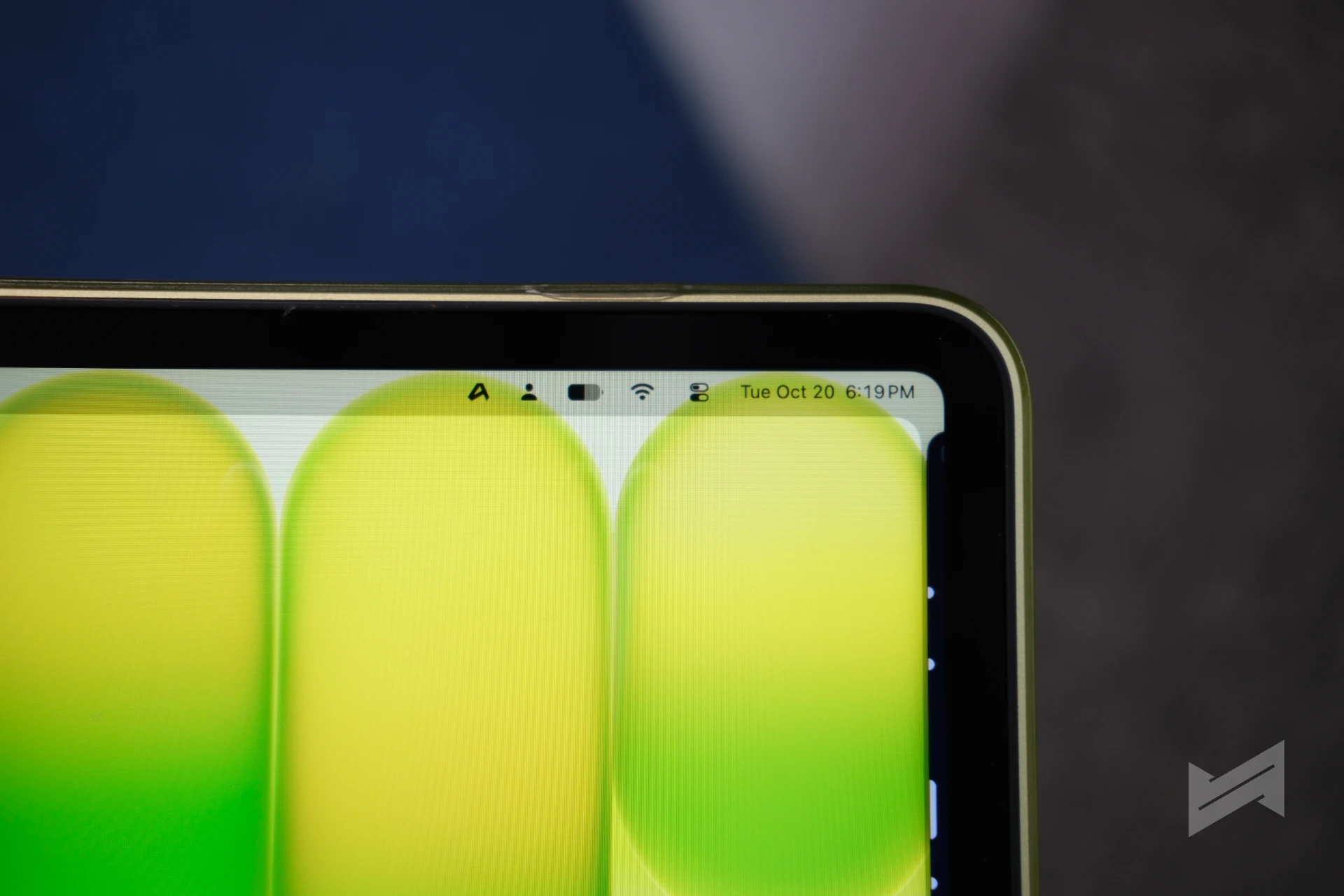
It is not a controlled test, but it is a real observation from months of daily use. For a fanless device with a 36.5Wh battery, lasting a full working day of light tasks is the headline feature, not a footnote.
Where It Runs Out of Road
There are three things to take note of about what it could have done better.
The ports. One USB 3 USB-C port, one USB 2 USB-C port and a headphone jack. The second USB-C port runs at USB 2 speeds, up to 480Mb/s, which is not a data port to rely on. In practice you will need a dongle, and there is a second cost beyond convenience: the more devices you hang off it, the faster the battery drains. The feature that makes this laptop good is the one you erode first when you expand it.
The keyboard is not backlit. Apple’s spec sheet lists the keys and the function keys, and does not include backlighting. Touch typists will never care. Anyone who cannot type without looking will care every evening, which is when a bedside laptop gets used.
The performance wall. Heavy video timelines with stacked nodes and effects are not this machine’s job, and neither are large 3D or engineering workloads. Knowing where the wall sits is most of the skill of owning it.
On the 8GB of unified memory, which is the most criticized specification here: I barely felt the ceiling, and that is deliberate rather than lucky. I seldom saw crashes or slowdowns because I know the limits and work inside them. The 8GB is real, but it does not ambush you if you bought the right laptop. It becomes a problem when someone buys a Neo expecting a MacBook Pro. That is a purchasing mistake, not a fault.


The Software Worth Paying For
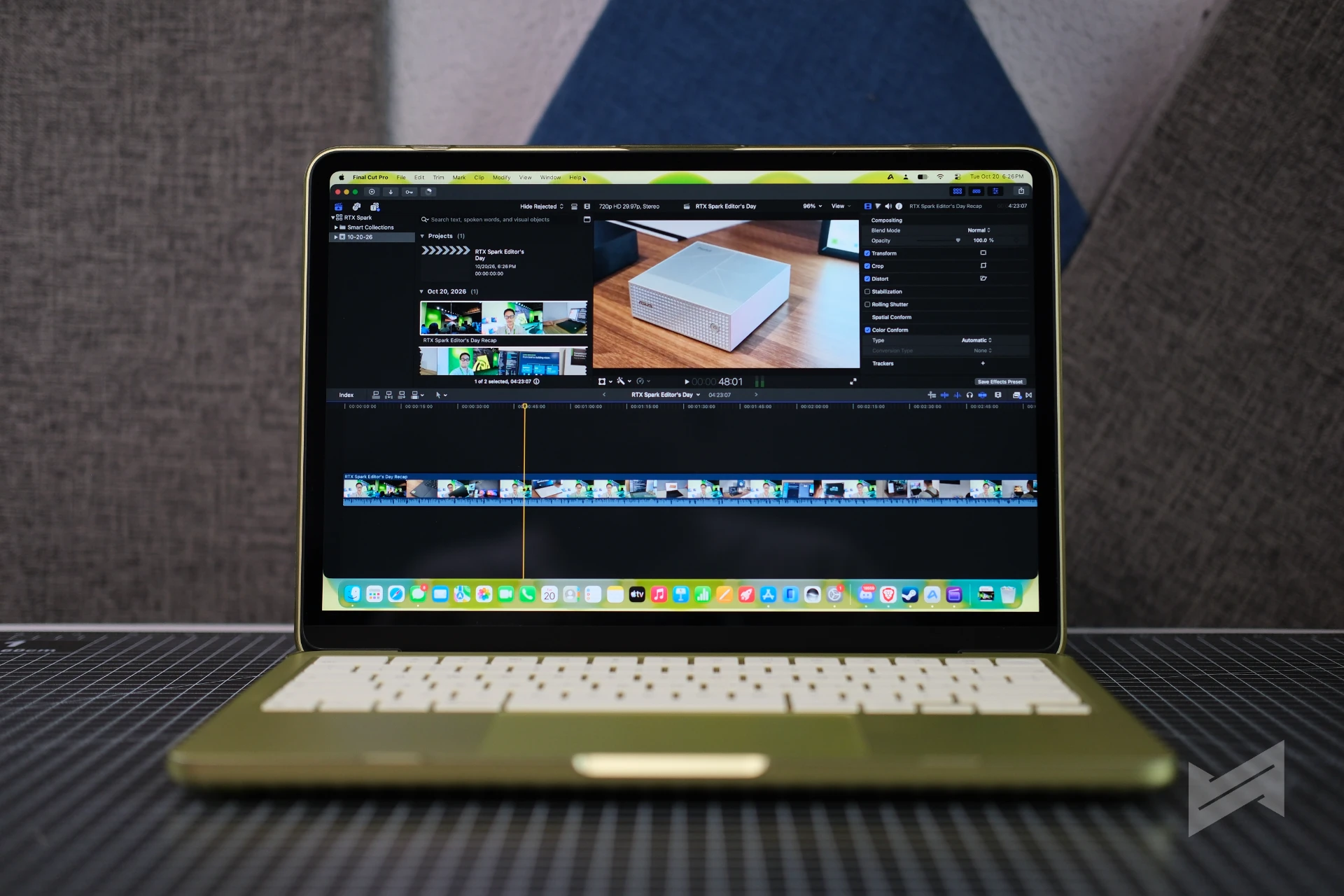
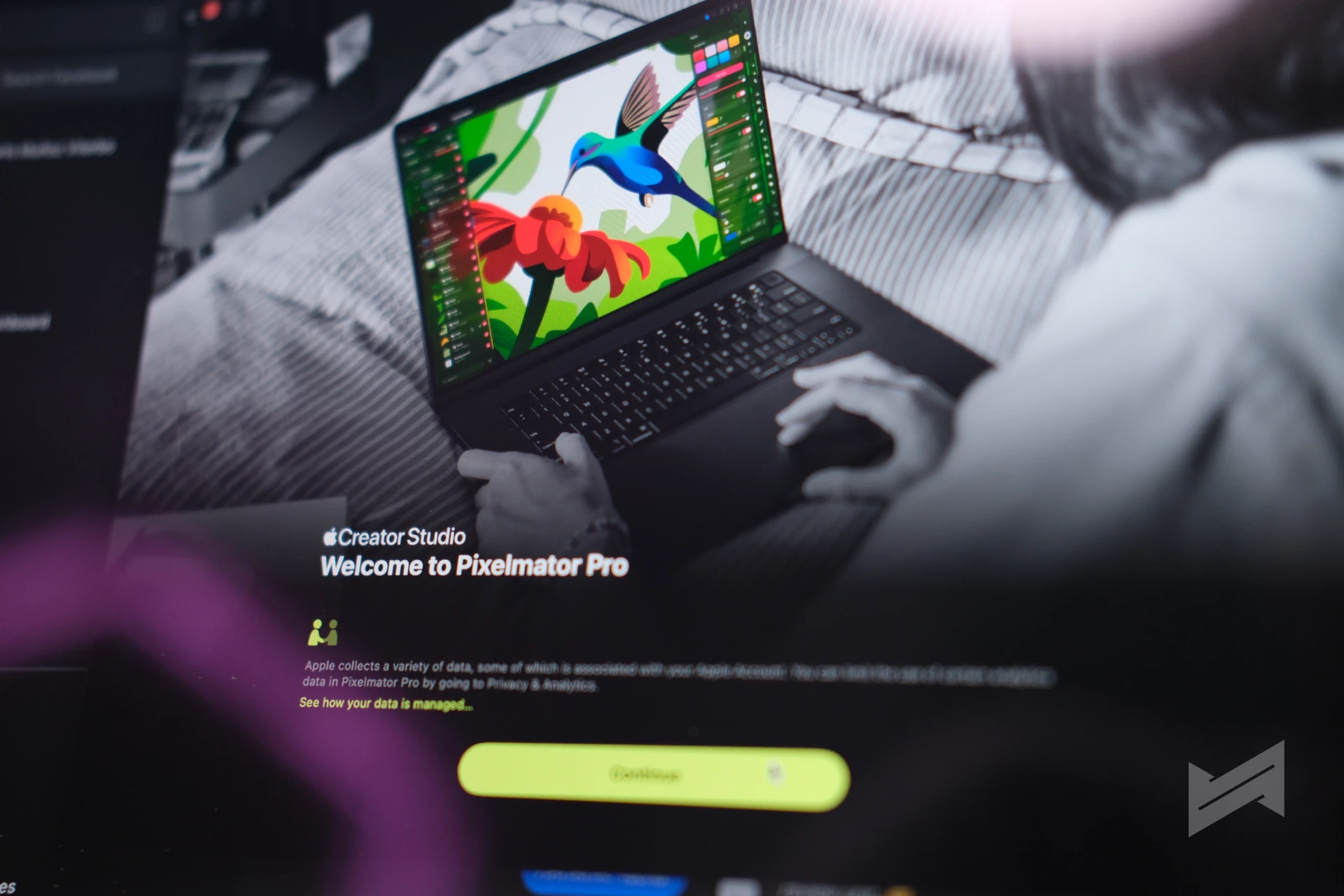
If you take one recommendation from this review, take this: subscribe to Apple Creator Studio. It is the best value software collection for MacBook Neo owners, bundling Final Cut Pro, Logic Pro, Pixelmator Pro, Motion, Compressor and MainStage, plus premium content in Keynote, Pages and Numbers, for one monthly fee.
Pixelmator Pro is clearly my favorite, and the app that most changes what a Neo can do for creative work. Final Cut Pro, Keynote and Numbers round out the tools I use most.
Students without the means to subscribe are not locked out. A healthy set of open source apps for Apple Silicon covers writing, image editing and basic video work natively.
Still Worth It After the Price Increase
The MacBook Neo launched at PhP39,990 for 256GB and PhP46,990 for 512GB. The global memory shortage changed that, and the lineup was repriced in June to PhP49,990 and PhP56,990. That is a significant increase, and worth being straight about.
Even so, this is the laptop I recommend to anyone who wants the Apple ecosystem without MacBook Pro money. I said as much in our earlier piece on why this laptop makes sense, and months of use have not changed the conclusion.
MacBook Neo: My Bedside Mac
The MacBook Neo is not trying to be the best laptop you can buy. It is trying to be the most sensible affordable laptop this year, and it succeeds.
Buy it if you are a student or a content creator who does not require a beefy setup. If your day is writing, research, browsing, light photo editing, short-form video and the occasional evening of Terra Nil or Balatro, this covers it and runs all day doing it.
If your day involves heavy video timelines, complex motion graphics, or large 3D and engineering workloads, buy a MacBook Pro instead. That is not a knock on the Neo. It is the same advice I would give about any machine at any price. We made this argument in our look at what the Neo changed under PhP40,000.
After months of use, it is still the most sensible affordable laptop to buy this year. It just also happens to be the one I watch movies on.
MacBook Neo Long-Term Review
Gadget PilipinasWhat we like
- Battery life that beats Apple's own wireless web rating
- Fanless, silent, and light enough to live on a bedside table
- The A18 Pro handles daily work without the compromise the spec sheet implies
- Best value entry point into the Apple ecosystem
Could improve
- Only one fast USB-C port, so a dongle is unavoidable
- Dongle use visibly accelerates battery drain
- No backlit keyboard
- Heavy video and 3D work hit a hard performance wall

Giancarlo Viterbo
Giancarlo Viterbo is a Filipino Technology Journalist, blogger and Editor of gadgetpilipinas.net, He is also a Geek, Dad and a Husband. He knows a lot about washing the dishes, doing some errands and following instructions from his boss on his day job. Follow him on twitter: @gianviterbo and @gadgetpilipinas.
View all articles →Related Reviews
 Sony 1000X The Collexion Review: Three Months Later
 ASUS ProArt P16 (H7607BA) Review: the RTX Spark platform, tested in the work creators actually do
 HONOR 600S Review: Bits of What’s Loved on the HONOR 600 Series in a More Accessible Package
 Keychron C75 HE 8K TMR Keyboard Review
 Samsung Galaxy S26 FE: Great Functional Elegance
 NBA 2K27 Review: A Better Game Than DLSS 5 Suggests